SOFTWARE


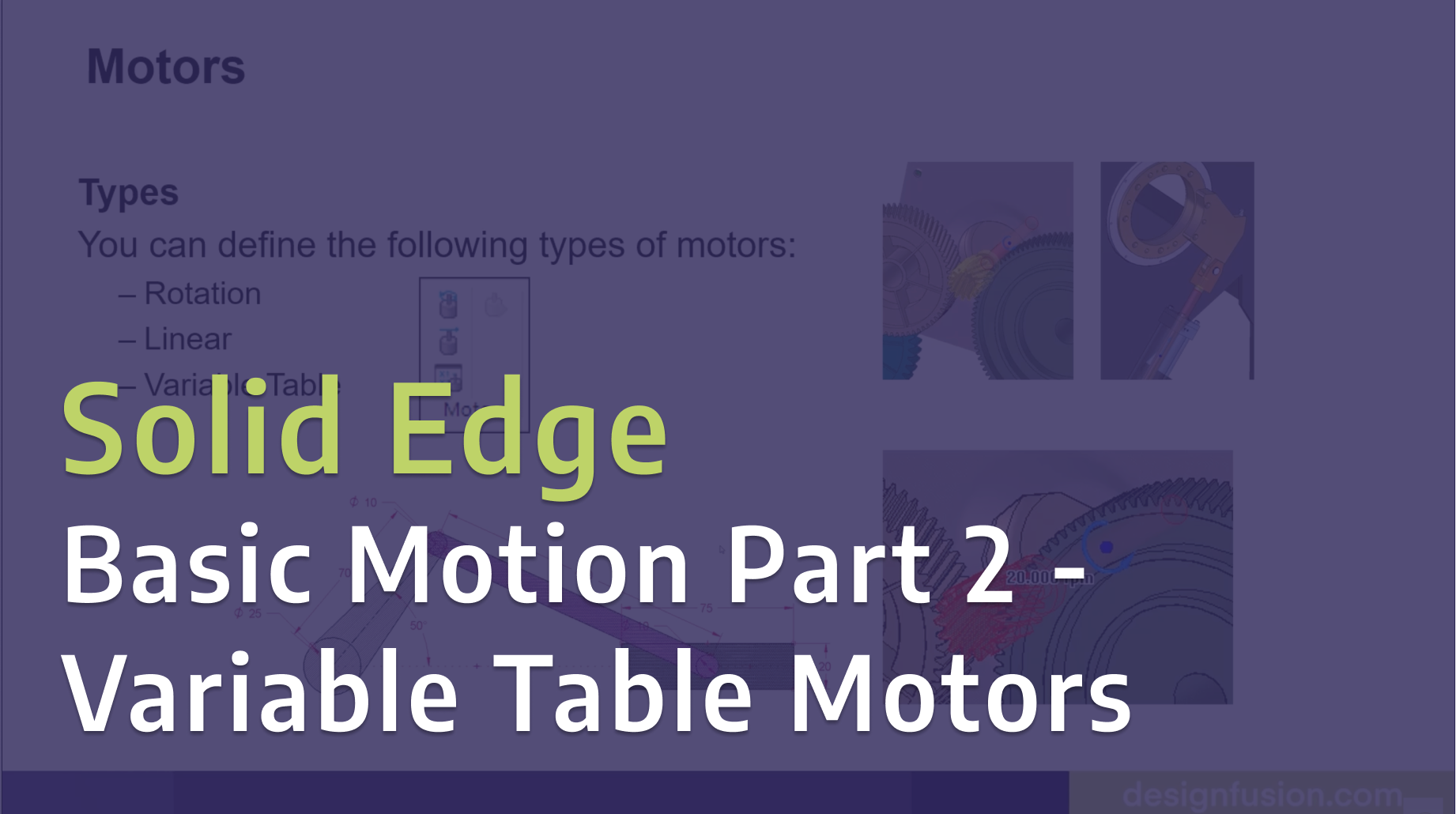
Take your motion simulations further in Solid Edge with variable table motors. In Part 2 of this series, we explore how to use variable tables to control motor behavior over time, giving you greater flexibility and realism in your motion studies. This hands-on demo builds on the fundamentals from Part 1, helping you simulate more complex and dynamic mechanical systems with precision and control.
Read More
Learn how to bring your designs to life in Solid Edge with basic motion simulation. In Part 1 of this series, we walk through how to create motion using gears and motors, demonstrating the fundamentals you need to start simulating real-world mechanical movement.
Read More
How do you analyze a structure that isn’t fixed in place? This blog explores inertia relief analysis to simulate real-world aircraft behaviour under load.
Read More
Explore the latest enhancements in Simcenter HyperMesh 2026. Learn how the unified interface, seamless solver switching, and new AI-driven tools like Copilot and machine learning part grouping help CAE analysts prepare simulation models faster and more efficiently.
Read More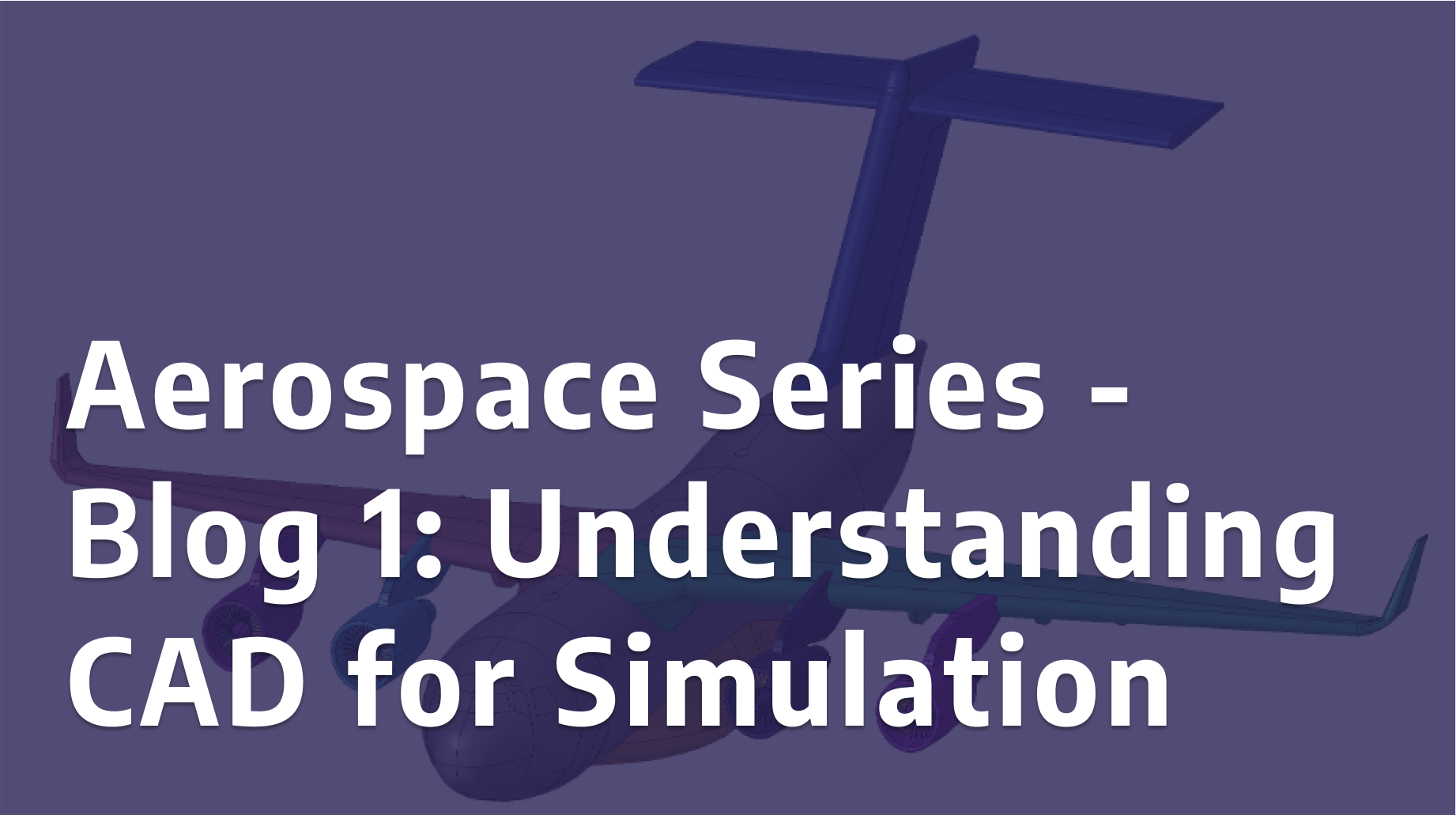
Discover why “simulation-ready” geometry is often a myth. Learn how Designfusion prepares CAD models for reliable meshing and simulation, and how proper clean-up saves time, reduces errors, and improves results.
Read More
This blog introduces users to some of the advanced processes in Solid Edge and shows them how to create and animate a mechanical chain.
Read More
In this video, we demonstrate how Solid Edge's surfacing tools can assist in model creation, helping you work efficiently with imported surface data.
Read More
From aerospace and automotive to consumer products, Algorithmic Modeling automates complex designs, improving efficiency and fostering innovation.
Read More