Designfusion Blog

Solid Edge: Assembly Zones

READ MORE

Tecnomatix: Arc Welding in Process Simulate

READ MORE

Simcenter: Simulation-Based Evaluation of Backup Power Systems

READ MORE

Turn Physical Parts into Digital Possibilities with Our 3D Scanning Services

READ MORE

NX: O&P Workflows in Product Template Author

READ MORE

Solid Edge: Bend Tables

READ MORE

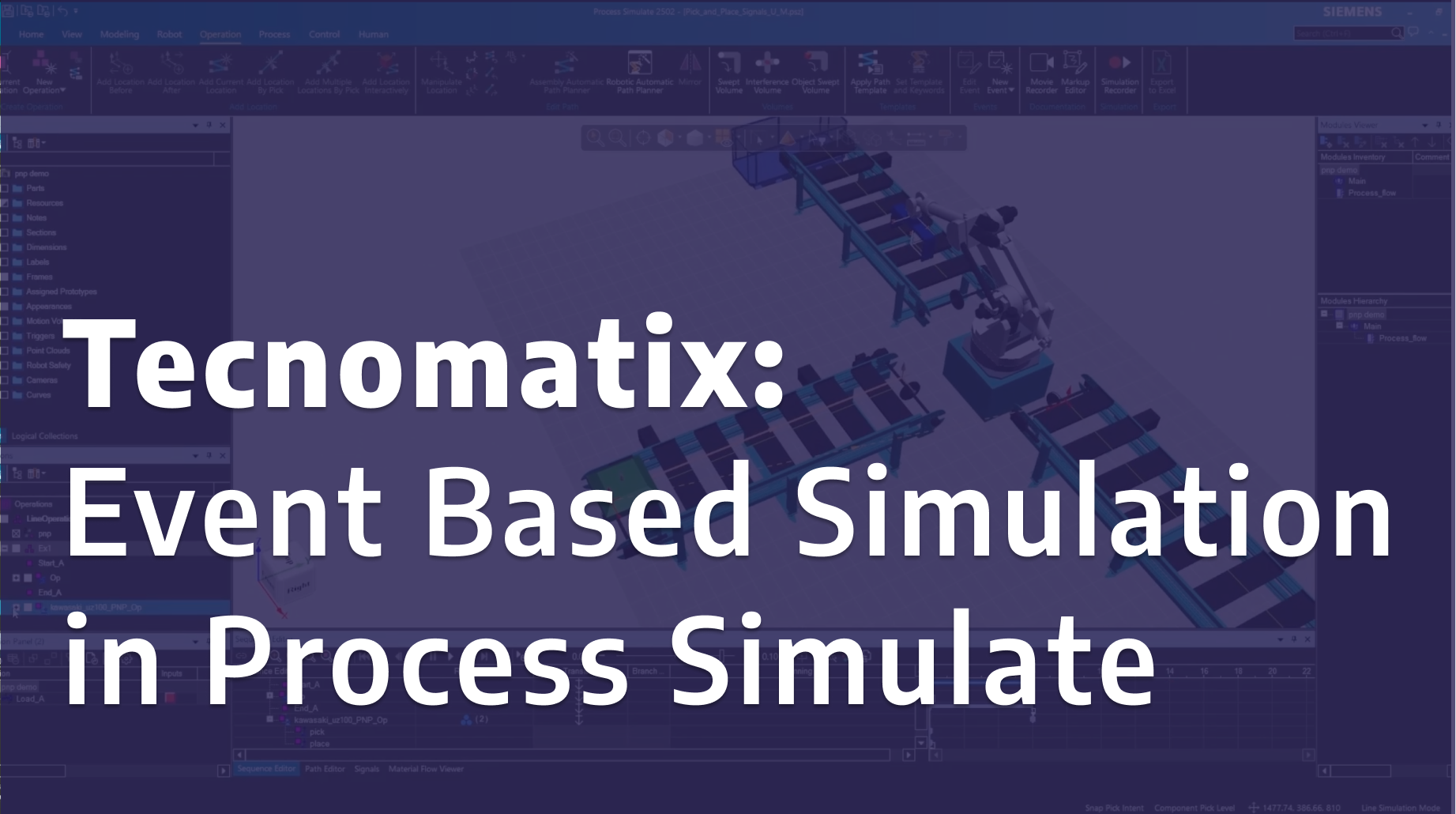
Tecnomatix: Event Based Simulation in Process Simulate

READ MORE

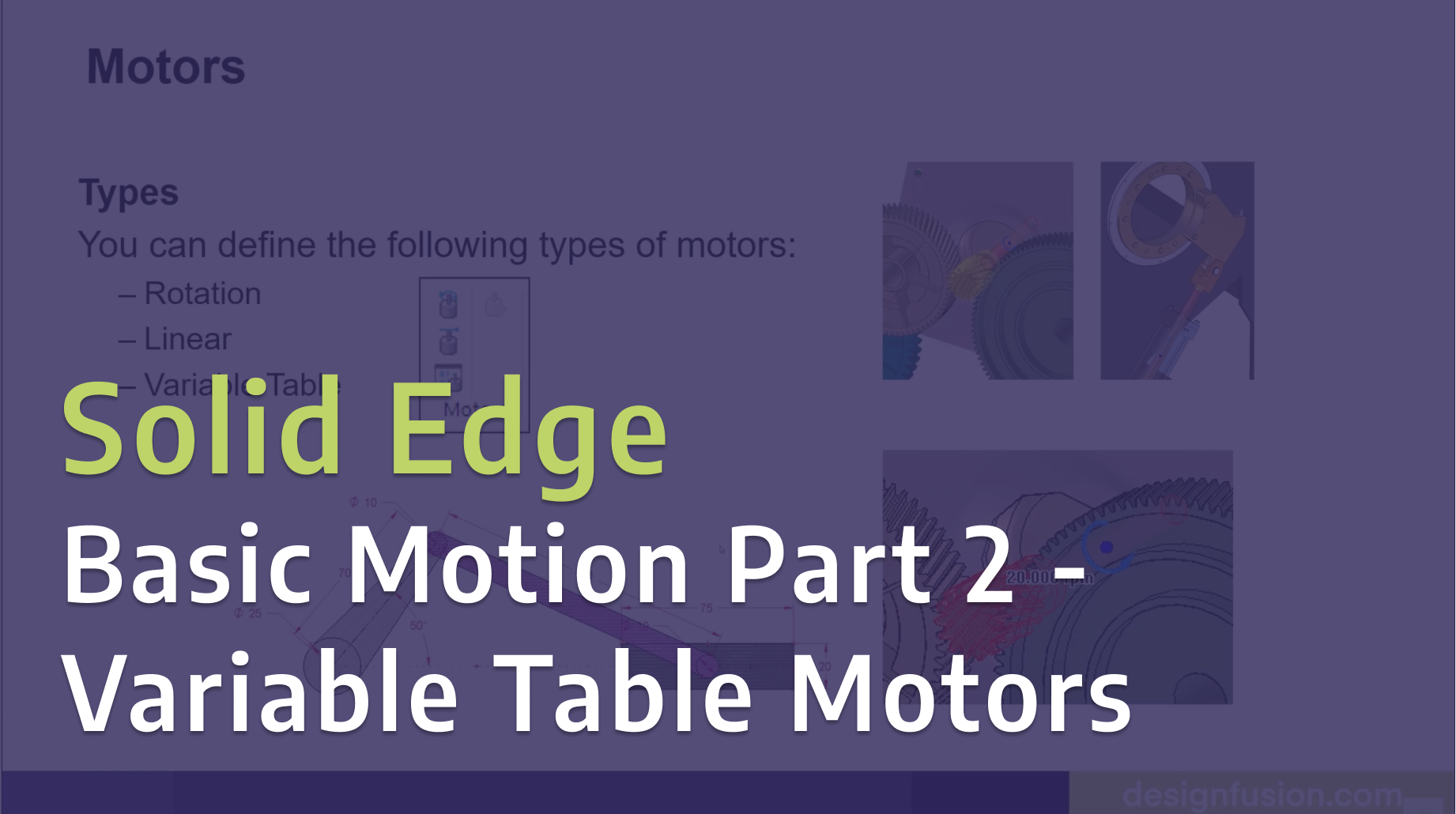
Solid Edge: Basic Motion Part 2 - Variable Table Motors

READ MORE

Solid Edge: Basic Motion Part 1 - Gears and Motors

READ MORE

Tecnomatix: Event Based Simulation in Process Simulate

In this tutorial, we demonstrate how to use event-based simulation in Tecnomatix Process Simulate to model and analyze manufacturing operations more realistically.

Solid Edge: Basic Motion Part 2 - Variable Table Motors

Take your motion simulations further in Solid Edge with variable table motors. In Part 2 of this series, we explore how to use variable tables to control motor behavior over time, giving you greater flexibility and realism in your motion studies. This hands-on demo builds on the fundamentals from Part 1, helping you simulate more complex and dynamic mechanical systems with precision and control.

Solid Edge: Basic Motion Part 1 - Gears and Motors

Learn how to bring your designs to life in Solid Edge with basic motion simulation. In Part 1 of this series, we walk through how to create motion using gears and motors, demonstrating the fundamentals you need to start simulating real-world mechanical movement.

Aerospace Series - Blog 2: Simulation for Unconstrained Structures – Inertia Relief Analysis

How do you analyze a structure that isn’t fixed in place? This blog explores inertia relief analysis to simulate real-world aircraft behaviour under load.

Simcenter HyperMesh (Altair) 2026: What’s New?

Explore the latest enhancements in Simcenter HyperMesh 2026. Learn how the unified interface, seamless solver switching, and new AI-driven tools like Copilot and machine learning part grouping help CAE analysts prepare simulation models faster and more efficiently.

Aerospace Series - Blog 1: Understanding CAD for Simulation

Discover why “simulation-ready” geometry is often a myth. Learn how Designfusion prepares CAD models for reliable meshing and simulation, and how proper clean-up saves time, reduces errors, and improves results.

How to perform motion simulation in NX

NX Motion Simulation is a CAE software application you can use to animate and analyze both kinematic and dynamic motion simulations in terms of critical design positions, forces, velocities, and accelerations.

Read More

2D to 3D in Solid Edge

Simple technique to turn 2D models to 3D in Solid Edge

Read More

Colored Section Cut Faces in SE2023

Reviewing the Colored Section Cut Faces in SE2023, updated for SE2023

Read More

Active Workspace & Active Folders in Teamcenter

In Active Workspace you may well have already discovered the many ways we can search or filter the data stored within Teamcenter. All the tools available in Active Workspace can be developed to suite your specific product data, as is the case for Active Folders.

Read More

New NX Sketch Solver

New NX Sketch Solver

Read More

The Markforged Advantage - Fiber Reinforcement , Simulation and Blacksmith Integration

In this month’s additive article we highlight the work Markforged has done to offer a complete engineering solution for 3d printing of high strength parts. From best-in-class strength, to digital simulation and quality control, companies looking to tackle industrial applications and get them right the first time now have a go to solution.

Read More

Ordered Sketch Regions in Solid Edge 2023

Using Ordered Sketch Regions in Solid Edge 2023

Read More

Workflow Template Filtering with Conditions

In the current and new releases of Teamcenter we will create and use CONDITIONS to manage the filtering of workflow templates. Conditions are powerful expressions which will qualify the use of workflow templates based on one or many different criteria we define. This method of filtering workflow templates provides much more flexibility and capabilities than the traditional tools we used previously.

Read More

Designfusion is the largest dedicated solution provider of Siemens PLM software in North America. With an expert support team and a decade of history in the industry designfusion is the #1 choice for companies looking to best enhance their software acquisition.

Thank you! Your submission has been received!
Oops! Something went wrong while submitting the form.

Contact Us

Have a question? Send us an Inquiry

x

Thank you! Your submission has been received!
Oops! Something went wrong while submitting the form.

Send us an email for a quick response

Call our toll free number and talk with us

Visit our Additive Manufacturing website

Designfusion logo in white
Who We Are

Designfusion is the largest dedicated solution provider of Siemens PLM software in North America. With an expert support team and a decade of history in the industry designfusion is the #1 choice for companies looking to best enhance their software acquisition.

Contact

305 Milner Ave, Suite 308,
Toronto, Ontario, M1B 3V4
Canada
‍
Phone: 416 267-5542    
Toll Free: 1-888-567-3933

2734, rue Étienne Lenoir Laval, Quebec. H7R 0A3
Canada
‍
Phone: 514-761-5682    
Toll Free:  1-866-534-5682

565, rue Shefford, Suite 1
Bromont, Québec, J2L 1C2
‍Canada
‍
Phone: 450-534-5682    
Toll Free: 1-866-534-5682

1400 E Touhy Ave, Suite 477
Des Plaines, IL 60018    
USA
‍
Phone: 847-439-0555    
Toll Free: 1-866-921-1830

2900 Auburn Court
Auburn Hills, MI 48326
USA
‍
Toll Free: 1-866-921-1830

151 Castleberry Ct. Ste. C
Milford, OH 45150 USA
‍
Toll Free: 1-866-921-1830

60 Scarsdale Rd, Unit 119
Toronto, Ontario, M3B 2R7
Canada
‍

1919, Boulevard Lionel-Bertrand   Suite 101, Boisbriand,
QC  J7H 1N8, Canada
‍