Designfusion Blog

What's New in Solid Edge 2025 - Mechanical Design - Part 2 of 4

READ MORE

What's New in Solid Edge 2025 - Mechanical Design - Part 1 of 4

READ MORE

NX CAM - Tilt Tool Axis

READ MORE

Quick Roughing - NX2406

READ MORE

Solid Edge - Family of Parts - Part 2 of 2

READ MORE

Solid Edge - Family of Parts - Part 1 of 2

READ MORE

Solid Edge - The Variable Table - Part 3 of 3 - Using Peer Variables and Expose Variables

READ MORE

Solid Edge - The Variable Table - Part 2 of 3 - Creating Formulas and Rules

READ MORE

Solid Edge - The Variable Table - Part 1 of 3 - Introduction

READ MORE

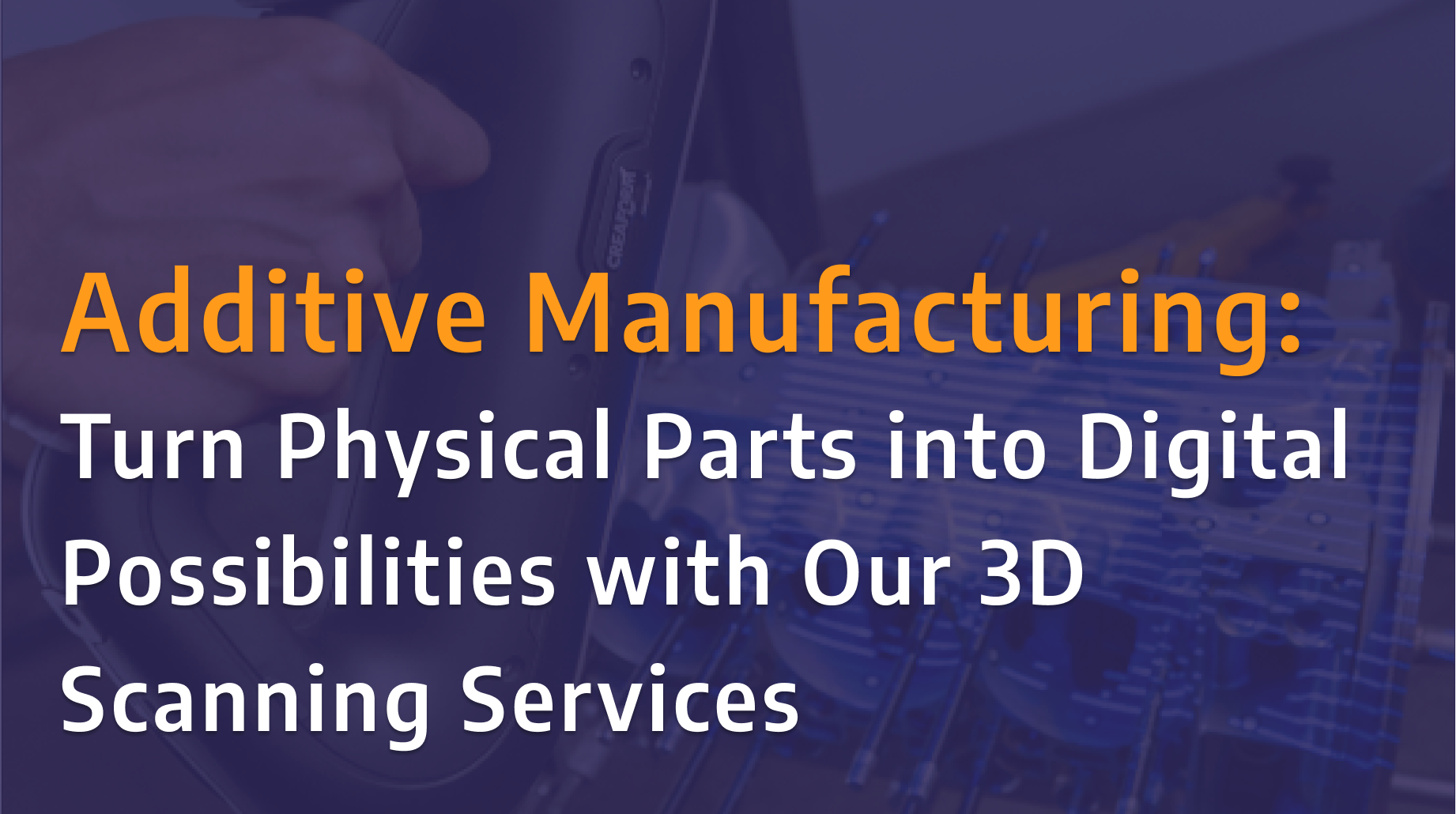
Turn Physical Parts into Digital Possibilities with Our 3D Scanning Services

Designfusion is excited to announce the launch of our new 3D scanning services using the Creaform HandySCAN 3D PRO Series scanner. Whether you're looking to replace obsolete parts, prepare components for additive manufacturing, or create an accurate digital record of existing equipment, our team can help transform physical parts into reliable digital models with confidence.

NX: O&P Workflows in Product Template Author

In this tutorial, we explore common challenges in orthotics and prosthetics (O&P) design, highlighting how workflows in many CAD tools can be complex, fragmented, and often require multiple software platforms to get the job done.

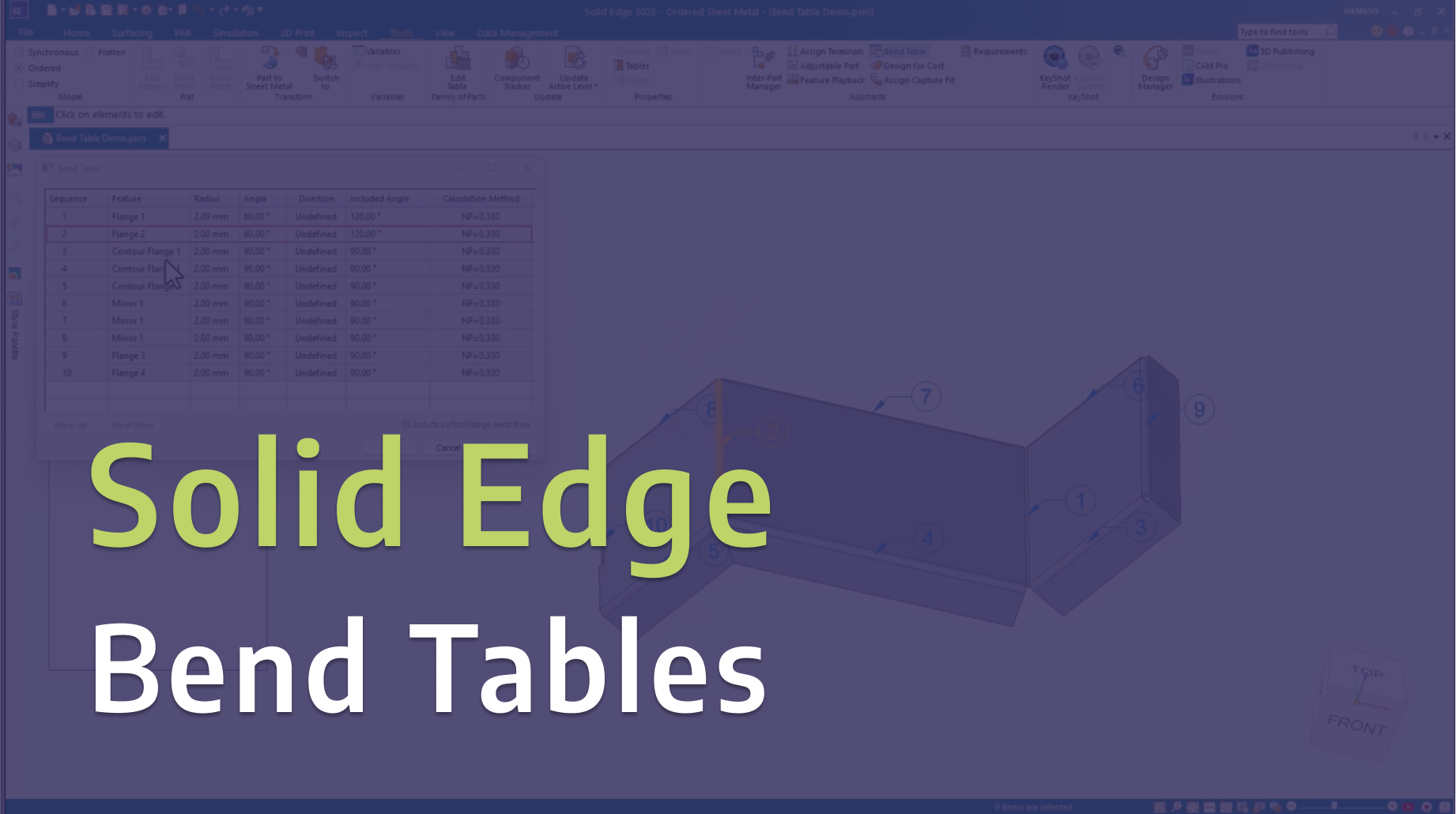
Solid Edge: Bend Tables

In this video, we explore Bend Tables in Solid Edge and share practical tips for creating, managing, and documenting sheet metal bends more effectively.

Tecnomatix: Event Based Simulation in Process Simulate

In this tutorial, we demonstrate how to use event-based simulation in Tecnomatix Process Simulate to model and analyze manufacturing operations more realistically.

Solid Edge: Basic Motion Part 2 - Variable Table Motors

Take your motion simulations further in Solid Edge with variable table motors. In Part 2 of this series, we explore how to use variable tables to control motor behavior over time, giving you greater flexibility and realism in your motion studies. This hands-on demo builds on the fundamentals from Part 1, helping you simulate more complex and dynamic mechanical systems with precision and control.

Solid Edge: Basic Motion Part 1 - Gears and Motors

Learn how to bring your designs to life in Solid Edge with basic motion simulation. In Part 1 of this series, we walk through how to create motion using gears and motors, demonstrating the fundamentals you need to start simulating real-world mechanical movement.

NX - Variational Sweep Command

A sneak peek at the variational sweep command and a use case from the blow molding industry.

Read More

Solid Edge University 2024: Tips and Tricks Part 2 of 2

Welcome back to Part 2 of our series! Get ready to dive deeper into refining your design skills and optimizing your workflow.

Read More

Solid Edge University 2024: Tips and Tricks Part 1 of 2

In this video, we'll share invaluable tips and tricks to enhance your design capabilities and streamline your workflow.

Read More

Deploy BMIDE package with deployment center (DC)

Deploy BMIDE package with deployment center (DC)

Read More

Defining Bolt-preload in NX/Simcenter 3D

This capability ensures the identification of the appropriately controlled preload necessary to enhance structural stability, minimize fatigue, and extend the overall reliability of mechanical connections across a spectrum of diverse applications.

Read More

Extend Solid Edge & Teamcenter Search Capabilities

Extend Solid Edge & Teamcenter Search Capabilities

Read More

Thermal-Flow Analysis in Simcenter FLOEFD for NX

Read More

Solid Edge - Using the Clone Command with a Family of Assemblies

Using the Clone Command with a Family of Assemblies

Read More
Blog DatabaseRSS Feed

Designfusion is the largest dedicated solution provider of Siemens PLM software in North America. With an expert support team and a decade of history in the industry designfusion is the #1 choice for companies looking to best enhance their software acquisition.

Thank you! Your submission has been received!
Oops! Something went wrong while submitting the form.

Contact Us

Have a question? Send us an Inquiry

x

Thank you! Your submission has been received!
Oops! Something went wrong while submitting the form.

Send us an email for a quick response

Call our toll free number and talk with us

Visit our Additive Manufacturing website

Designfusion logo in white
Who We Are

Designfusion is the largest dedicated solution provider of Siemens PLM software in North America. With an expert support team and a decade of history in the industry designfusion is the #1 choice for companies looking to best enhance their software acquisition.

Contact

305 Milner Ave, Suite 308,
Toronto, Ontario, M1B 3V4
Canada

Phone: 416 267-5542    
Toll Free: 1-888-567-3933

2734, rue Étienne Lenoir Laval, Quebec. H7R 0A3
Canada

Phone: 514-761-5682    
Toll Free:  1-866-534-5682

565, rue Shefford, Suite 1
Bromont, Québec, J2L 1C2
Canada

Phone: 450-534-5682    
Toll Free: 1-866-534-5682

1400 E Touhy Ave, Suite 477
Des Plaines, IL 60018    
USA

Phone: 847-439-0555    
Toll Free: 1-866-921-1830

2900 Auburn Court
Auburn Hills, MI 48326
USA

Toll Free: 1-866-921-1830

151 Castleberry Ct. Ste.
CMilford, OH 45150
USA

Toll Free: 1-866-921-1830

60 Scarsdale Rd, Unit 119
Toronto, Ontario, M3B 2R7
Canada

1919, Boulevard Lionel-Bertrand   Suite 101, Boisbriand,
QC  J7H 1N8, Canada