Designfusion Blog

Start to Simulate - Simcenter Series

READ MORE

NX Tools for Convergent/ Facet bodies

READ MORE

Tube and Port Milling in Solid Edge CAM Pro and NX CAM

READ MORE

Additive Manufacturing Tools in Solid Edge

READ MORE

NX Mechanism Parting-Lines and Seal-offs

READ MORE

Solid Edge Design Manager

READ MORE

3D Design - Common Assembly Strategies for Additive Manufacturing

READ MORE

Basic Motion Simulation in Solid Edge

READ MORE

3D printing electronics enclosures with HP Jet Fusion Technology

READ MORE

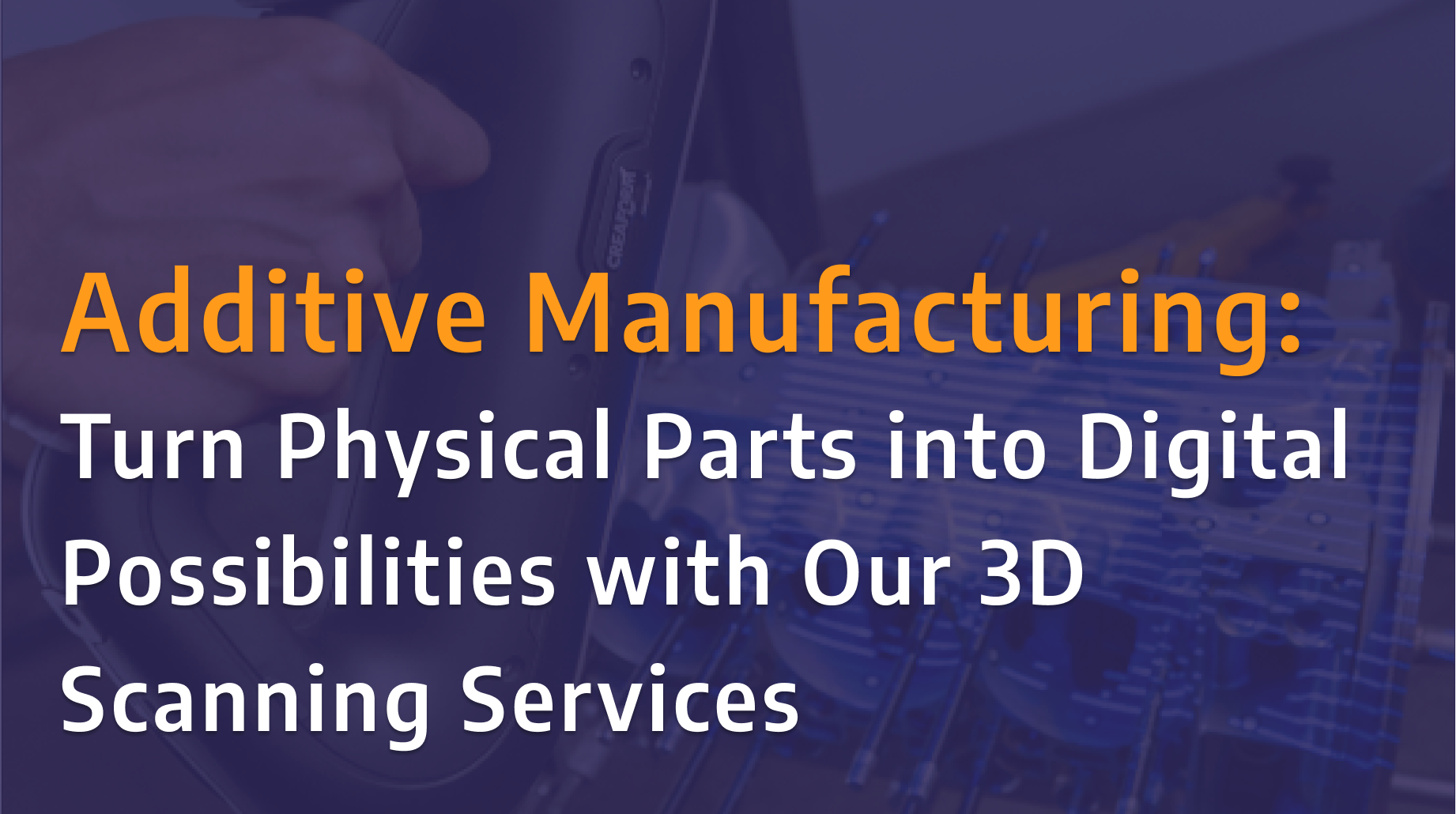
Turn Physical Parts into Digital Possibilities with Our 3D Scanning Services

Designfusion is excited to announce the launch of our new 3D scanning services using the Creaform HandySCAN 3D PRO Series scanner. Whether you're looking to replace obsolete parts, prepare components for additive manufacturing, or create an accurate digital record of existing equipment, our team can help transform physical parts into reliable digital models with confidence.

NX: O&P Workflows in Product Template Author

In this tutorial, we explore common challenges in orthotics and prosthetics (O&P) design, highlighting how workflows in many CAD tools can be complex, fragmented, and often require multiple software platforms to get the job done.

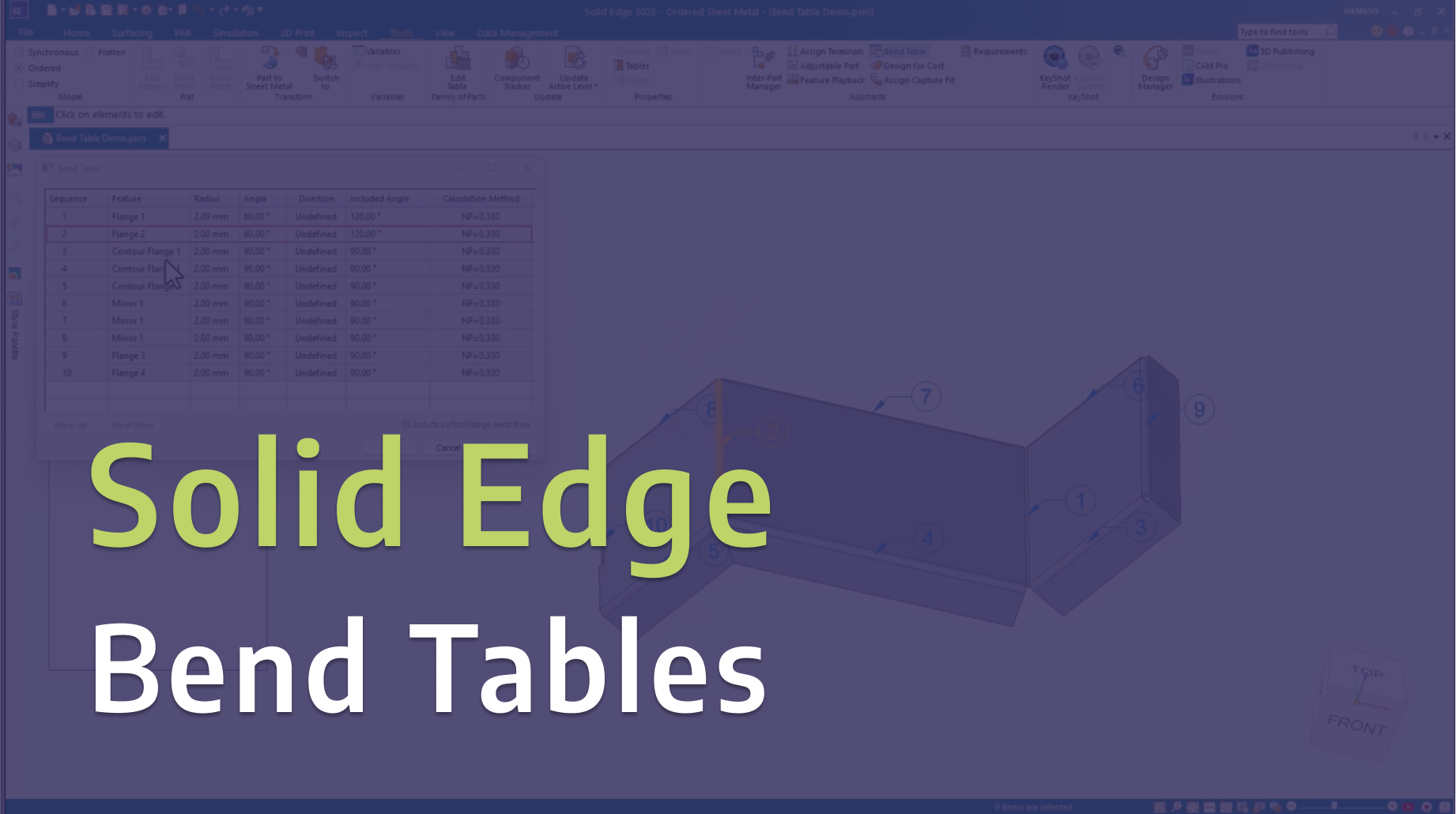
Solid Edge: Bend Tables

In this video, we explore Bend Tables in Solid Edge and share practical tips for creating, managing, and documenting sheet metal bends more effectively.

Tecnomatix: Event Based Simulation in Process Simulate

In this tutorial, we demonstrate how to use event-based simulation in Tecnomatix Process Simulate to model and analyze manufacturing operations more realistically.

Solid Edge: Basic Motion Part 2 - Variable Table Motors

Take your motion simulations further in Solid Edge with variable table motors. In Part 2 of this series, we explore how to use variable tables to control motor behavior over time, giving you greater flexibility and realism in your motion studies. This hands-on demo builds on the fundamentals from Part 1, helping you simulate more complex and dynamic mechanical systems with precision and control.

Solid Edge: Basic Motion Part 1 - Gears and Motors

Learn how to bring your designs to life in Solid Edge with basic motion simulation. In Part 1 of this series, we walk through how to create motion using gears and motors, demonstrating the fundamentals you need to start simulating real-world mechanical movement.

NX Now Stores PDF as Child of UGPart

As you move forward to the more recent release of NX / Teamcenter, you will encounter a change that may cause some confusion. This change was added in NX 1980, however you may not notice this until after we upgrade to a current release of NX /Teamcenter.NX will now store the exported PDF as a child to the UGPart source part.

Read More

Geometry Preparation for FEA Analysis in NX or Simcenter 3D

NX or Simcenter 3D pre/post provides a wide range of Geometry Preparation and Synchronous Modeling tools for geometry editing, allowing users to easily modify, repair, and optimize models for accurate simulation.

Read More

Solid Edge Tips and Tricks 2023

Our yearly edition of Solid Edge Tips and Tricks, click read more for parts 2 and 3.

Read More

Configuring Teamcenter 4-tier connections on a client

The 4-tier client connects to the Teamcenter web tier using HTTP protocol or Teamcenter client communication system (TCCS). HTTP was the standard initially, but then the TCCS protocol was created to increase security and combine the different communications channels with the web tier into a centralized network configuration.

Read More

Revolutionizing Product Development: Industrial 3D Printing for Rapid Market Entry and Customer Feedback

Industrial 3D printing, or additive manufacturing, has evolved beyond prototyping and small-batch production. With advances in technology, it's now feasible to use 3D printers for large-scale production, producing high-quality products at quantities sufficient for market entry.

Read More

How to perform motion simulation in NX

NX Motion Simulation is a CAE software application you can use to animate and analyze both kinematic and dynamic motion simulations in terms of critical design positions, forces, velocities, and accelerations.

Read More

2D to 3D in Solid Edge

Simple technique to turn 2D models to 3D in Solid Edge

Read More

Colored Section Cut Faces in SE2023

Reviewing the Colored Section Cut Faces in SE2023, updated for SE2023

Read More
Blog DatabaseRSS Feed

Designfusion is the largest dedicated solution provider of Siemens PLM software in North America. With an expert support team and a decade of history in the industry designfusion is the #1 choice for companies looking to best enhance their software acquisition.

Thank you! Your submission has been received!
Oops! Something went wrong while submitting the form.

Contact Us

Have a question? Send us an Inquiry

x

Thank you! Your submission has been received!
Oops! Something went wrong while submitting the form.

Send us an email for a quick response

Call our toll free number and talk with us

Visit our Additive Manufacturing website

Designfusion logo in white
Who We Are

Designfusion is the largest dedicated solution provider of Siemens PLM software in North America. With an expert support team and a decade of history in the industry designfusion is the #1 choice for companies looking to best enhance their software acquisition.

Contact

305 Milner Ave, Suite 308,
Toronto, Ontario, M1B 3V4
Canada

Phone: 416 267-5542    
Toll Free: 1-888-567-3933

2734, rue Étienne Lenoir Laval, Quebec. H7R 0A3
Canada

Phone: 514-761-5682    
Toll Free:  1-866-534-5682

565, rue Shefford, Suite 1
Bromont, Québec, J2L 1C2
Canada

Phone: 450-534-5682    
Toll Free: 1-866-534-5682

1400 E Touhy Ave, Suite 477
Des Plaines, IL 60018    
USA

Phone: 847-439-0555    
Toll Free: 1-866-921-1830

2900 Auburn Court
Auburn Hills, MI 48326
USA

Toll Free: 1-866-921-1830

151 Castleberry Ct. Ste.
CMilford, OH 45150
USA

Toll Free: 1-866-921-1830

60 Scarsdale Rd, Unit 119
Toronto, Ontario, M3B 2R7
Canada

1919, Boulevard Lionel-Bertrand   Suite 101, Boisbriand,
QC  J7H 1N8, Canada