SOFTWARE


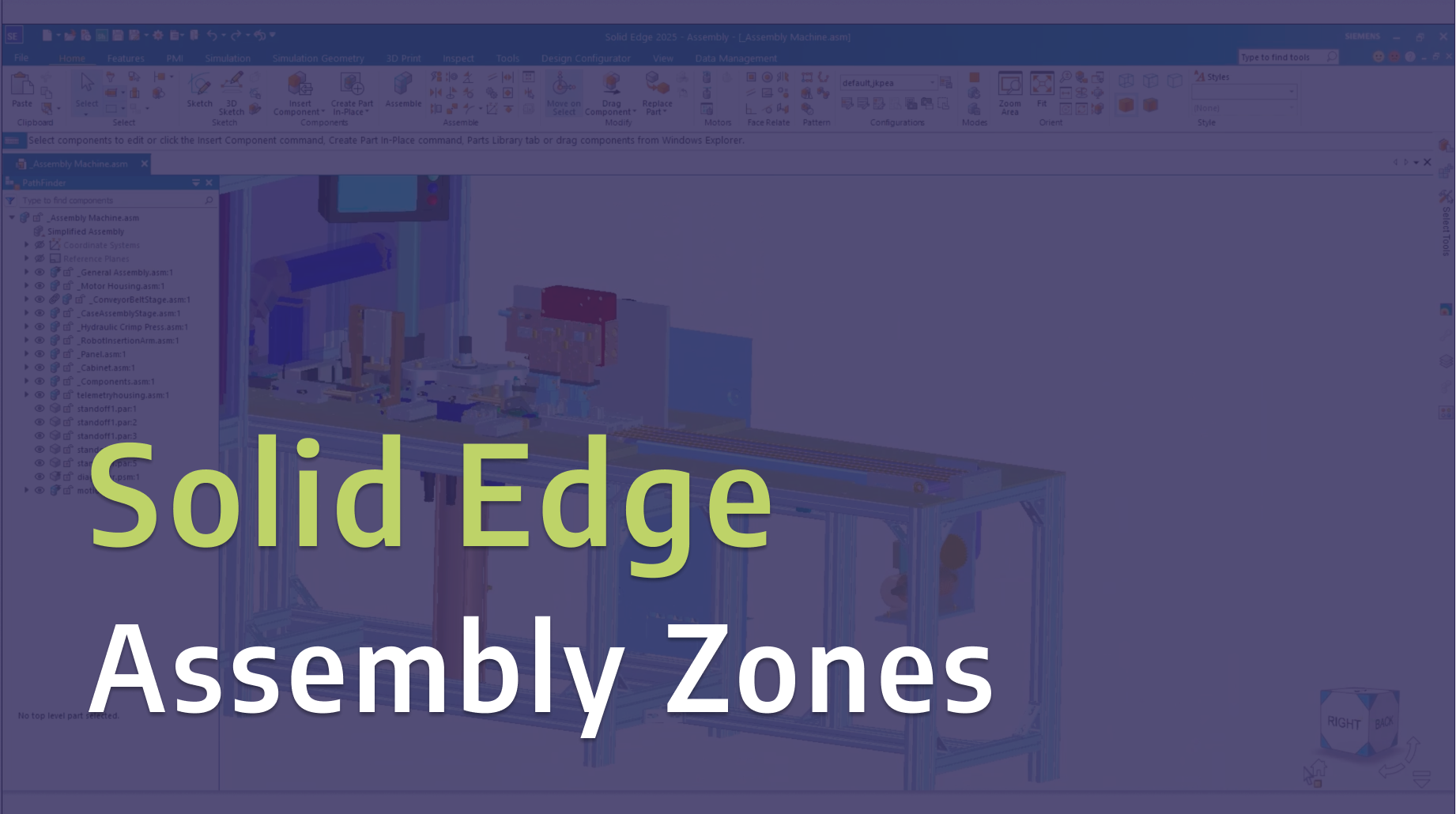
Learn how to use Assembly Zones in Solid Edge to make working with large and complex assemblies more efficient. In this tutorial, we walk through how Assembly Zones work, how to set them up, and how they can help you focus on specific areas of your design without loading the entire assembly.
Read More.png)
In this video, we walk through creating arc welding operations in Tecnomatix Process Simulate. By simulating your welds digitally, you can identify issues early, optimize processes, and cut down on costly trial-and-error on the shop floor.
Read More
Learn how advanced simulation helps manufacturers design safer, more reliable backup power systems. FEA and CFD provide valuable insights into structural performance before physical testing begins.
Read More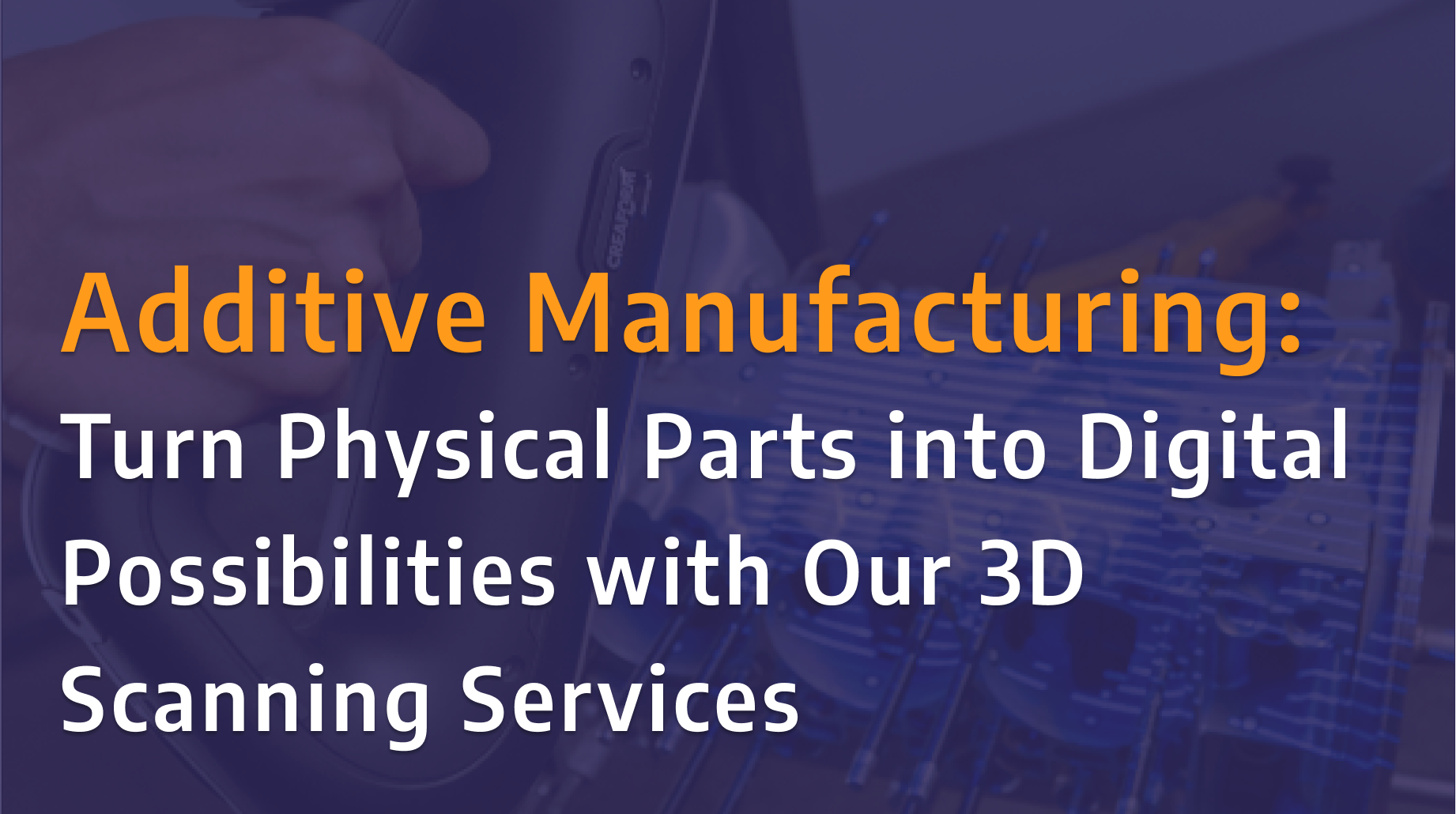
Designfusion is excited to announce the launch of our new 3D scanning services using the Creaform HandySCAN 3D PRO Series scanner. Whether you're looking to replace obsolete parts, prepare components for additive manufacturing, or create an accurate digital record of existing equipment, our team can help transform physical parts into reliable digital models with confidence.
Read More.png)
In this tutorial, we explore common challenges in orthotics and prosthetics (O&P) design, highlighting how workflows in many CAD tools can be complex, fragmented, and often require multiple software platforms to get the job done.
Read More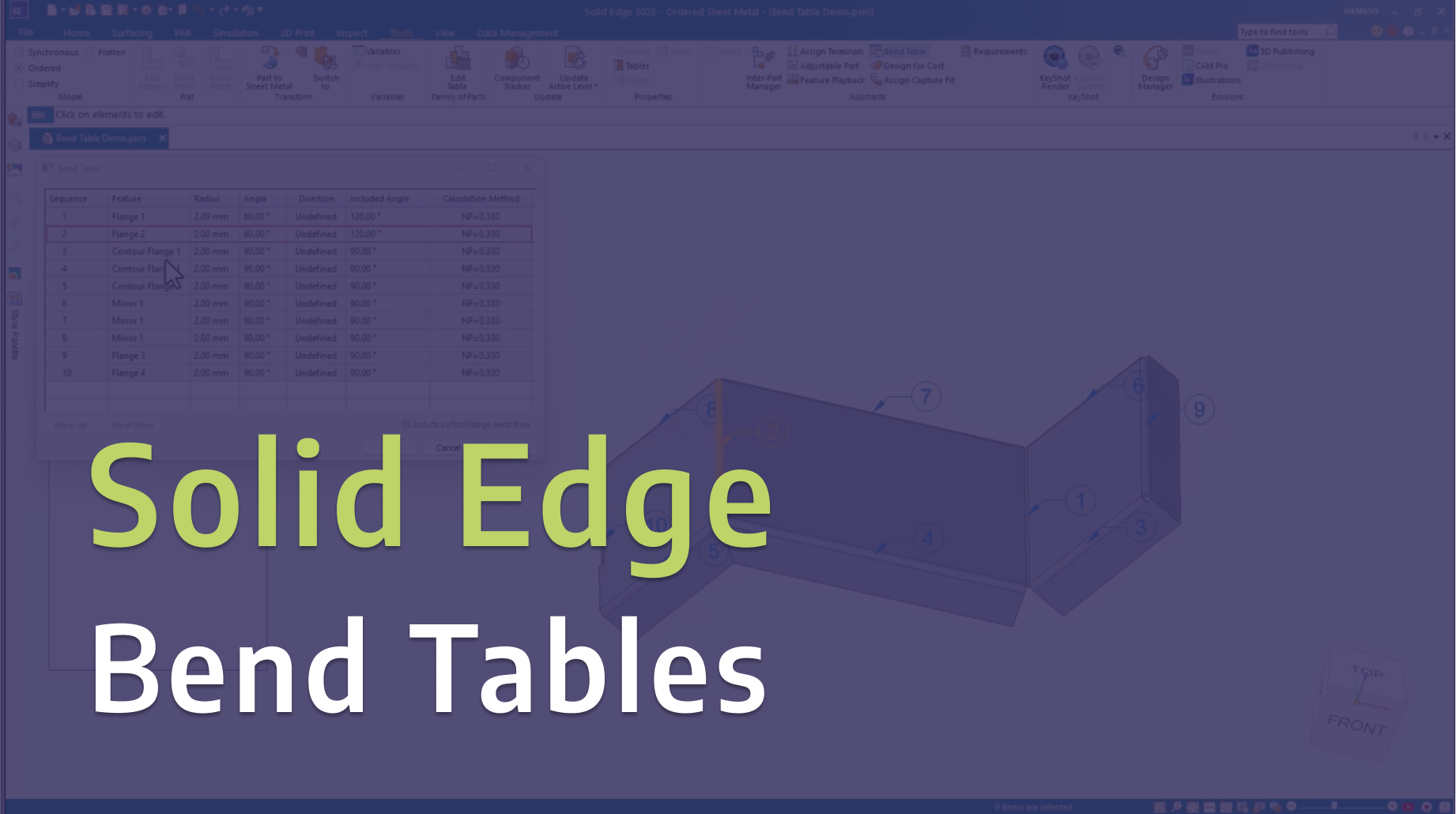
In this video, we explore Bend Tables in Solid Edge and share practical tips for creating, managing, and documenting sheet metal bends more effectively.
Read More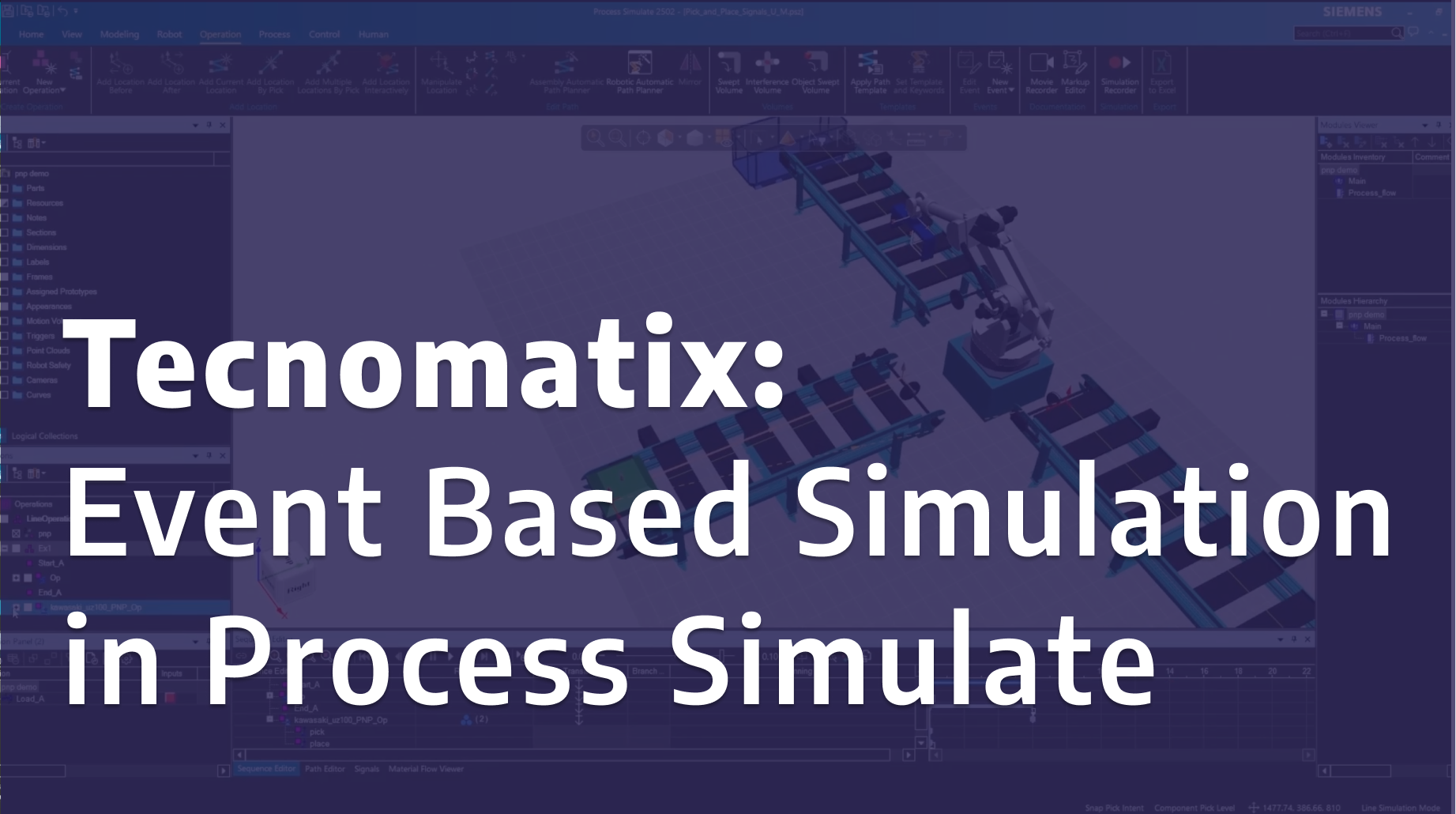
In this tutorial, we demonstrate how to use event-based simulation in Tecnomatix Process Simulate to model and analyze manufacturing operations more realistically.
Read More
Take your motion simulations further in Solid Edge with variable table motors. In Part 2 of this series, we explore how to use variable tables to control motor behavior over time, giving you greater flexibility and realism in your motion studies. This hands-on demo builds on the fundamentals from Part 1, helping you simulate more complex and dynamic mechanical systems with precision and control.
Read More


Designfusion is the largest dedicated solution provider of Siemens PLM software in North America. With an expert support team and a decade of history in the industry designfusion is the #1 choice for companies looking to best enhance their software acquisition.
305 Milner Ave, Suite 308,
Toronto, Ontario, M1B 3V4
Canada
Phone: 416 267-5542
Toll Free: 1-888-567-3933


2734, rue Étienne Lenoir Laval, Quebec. H7R 0A3
Canada
Phone: 514-761-5682
Toll Free: 1-866-534-5682
565, rue Shefford, Suite 1
Bromont, Québec, J2L 1C2
Canada
Phone: 450-534-5682
Toll Free: 1-866-534-5682
1400 E Touhy Ave, Suite 477
Des Plaines, IL 60018
USA
Phone: 847-439-0555
Toll Free: 1-866-921-1830
2900 Auburn Court
Auburn Hills, MI 48326
USA
Toll Free: 1-866-921-1830
151 Castleberry Ct. Ste. C
Milford, OH 45150 USA
Toll Free: 1-866-921-1830
60 Scarsdale Rd, Unit 119
Toronto, Ontario, M3B 2R7
Canada
1919, Boulevard Lionel-Bertrand Suite 101, Boisbriand,
QC J7H 1N8, Canada